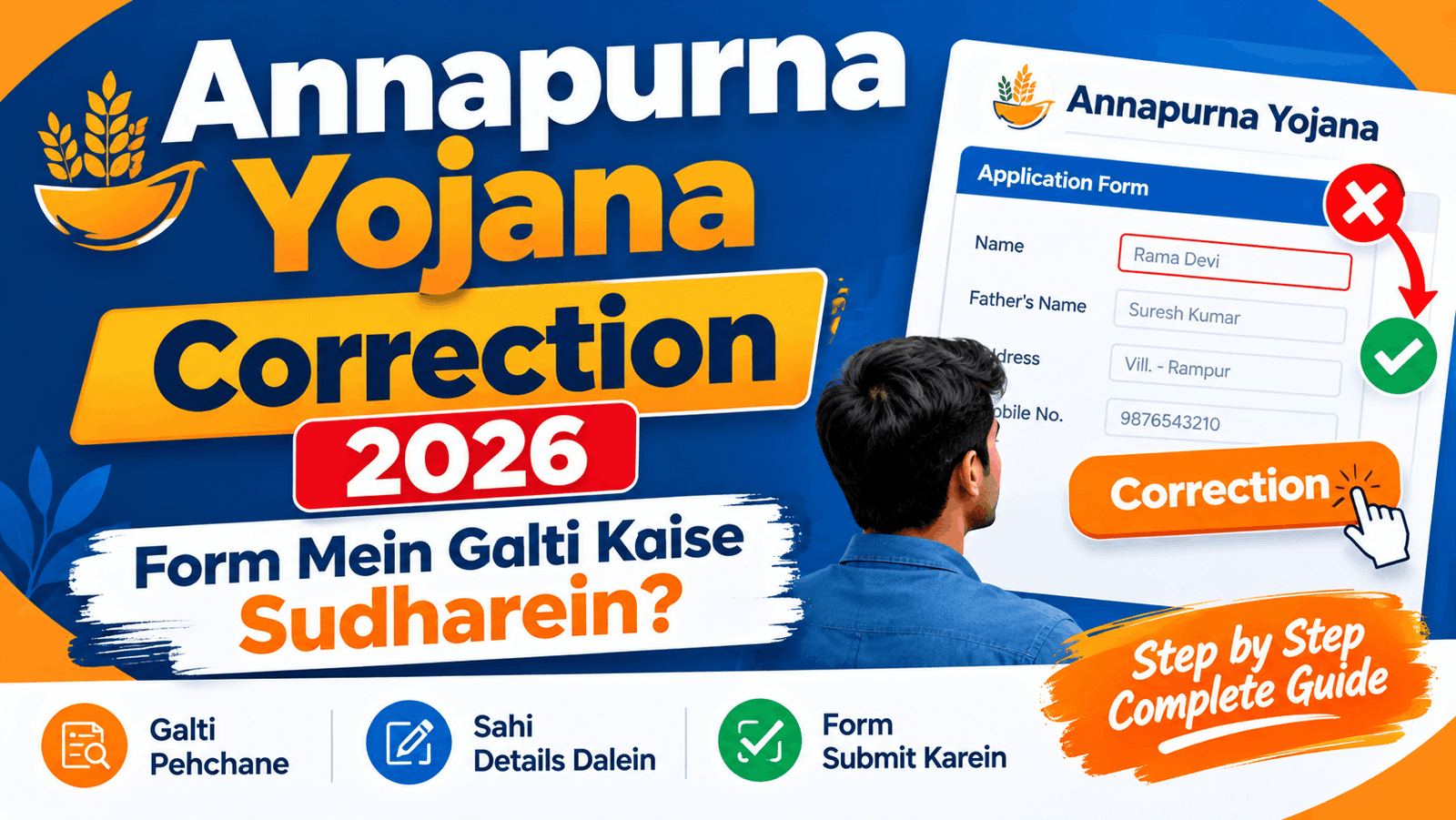
अगर आपने Annapurna Yojana के आवेदन में कोई गलत जानकारी भर दी है, तो सबसे पहले यह देखें कि आपके पोर्टल पर Correction, Claim या Objection का विकल्प उपलब्ध है या नहीं।
अगस्त 2026 से “Objection & Claim” सुविधा शुरू हो चुकी है, जिसके जरिए rejected आवेदक बिना नया फॉर्म भरे अपनी गलती सुधार सकते हैं। इस लेख में हम step-by-step बताएंगे कि correction कैसे करें,
edit option न दिखे तो क्या करें, कौन से documents चाहिए, और application reject हो जाए तो क्या करना चाहिए।
What is Annapurna Yojana Correction?
Correction का मतलब है कि आपके submitted फॉर्म में जो गलत detail है, उसे सही करना।
यह नया आवेदन भरना नहीं है।
अगर नाम, आधार नंबर, बैंक खाता, मोबाइल नंबर, पता, आय, या परिवार/HOF की जानकारी गलत है, तो correction की जरूरत पड़ती है।
लेकिन ध्यान रखें: हर field का online edit option हमेशा उपलब्ध हो, यह जरूरी नहीं। कुछ मामलों में official process या local office के जरिए correction कराना पड़ सकता है।
What Changed in 2026?
| Time | Kya Hua |
|---|---|
| June 2026 | योजना शुरू; आवेदन locked; edit option नहीं था |
| July 2026 | 1.6 करोड़ आवेदन; 1.2 करोड़ approve; 27.8 लाख reject |
| August 2026 | “Objection & Claim” पोर्टल लॉन्च; 17 लाख rejections सामने आए |
| September 2026 | सितंबर ₹3,000 की किस्त जारी; Aadhaar/DBT mismatch से कुछ payments delay |
Correction vs Rejection vs Claim
ये तीन अलग-अलग स्थितियां हैं। इन्हें समझना जरूरी है:
| Situation | Matlab | Kya Karein |
|---|---|---|
| Correction Needed | फॉर्म submit हो गया, कोई detail गलत है | Edit/Correction option check करें |
| Application Rejected | Verification में mismatch मिला | “Claim by Applicant” से claim करें |
| Payment Failure | Application approved, पैसा नहीं आया | Bank/Aadhaar/DBT link check करें |
Important: “Rejected” का मतलब हमेशा permanent ineligibility नहीं होता। August 2026 की रिपोर्टिंग के मुताबिक, ज्यादातर rejections Aadhaar-bank linkage और mobile number mismatch की वजह से थे, न कि eligibility की वजह से।
Which Details Can Be Corrected?
| Aapki Galti | Kya Check Karein |
|---|---|
| Wrong Name | Aadhaar/identity document |
| Wrong Aadhaar Number | Aadhaar card |
| Wrong Bank Account/IFSC | Passbook, IFSC, DBT status |
| Wrong Mobile Number | Registered mobile |
| Wrong HOF (Head of Family) | Family records |
| Wrong Relation with HOF | Family/HOF information |
| Wrong Income | Correct annual income |
| Wrong Age/Year | Identity document |
| Wrong Rural/Urban Selection | अपनी actual classification |
| Wrong Ration Card/EPIC | Relevant documents |
Example: मान लीजिए किसी आवेदक ने अपनी मां की 1982 जन्म वर्ष की जगह अपनी 2007 जन्म वर्ष दर्ज कर दी। ऐसी गलती correction के जरिए सुधारी जा सकती है।
How to Correct Annapurna Yojana Form?
Step 1 — Open the Official Portal
socialregistry.wb.gov.in या socialsecurity.wb.gov.in खोलें। किसी third-party लिंक पर भरोसा न करें।
Step 2 — Find Your Application
Application number, acknowledgement number, या registered mobile number से अपना आवेदन देखें। ध्यान दें: government camp staff कभी 6-digit number मांगते हैं, जबकि आपके पास 12-digit number हो सकता है। दोनों नंबर साथ रखें।
Step 3 — Look for Edit or Correction
देखें कि आपके आवेदन में Edit/Correction का विकल्प दिख रहा है या नहीं। अगर नहीं, तो “Objection & Claim” section check करें।
Step 4 — Select “Claim by Applicant”
Rejected या problematic आवेदन के लिए “Claim by Applicant” चुनें। यहां आप गलती सुधार सकते हैं और documents upload कर सकते हैं।
Step 5 — Enter Correct Information
जो जानकारी भर रहे हैं, वह supporting document से exactly match करे। अंदाजा न लगाएं।
Step 6 — Upload Documents
Documents को PDF, JPG, या PNG format में upload करें। File size 50 KB से 200 KB के बीच होनी चाहिए।
Step 7 — Submit and Save Proof
Submit करने के बाद acknowledgement, application number, screenshot save करें।
Step 8 — Track Status
“Track Claim” या “Check Objection Status” से अपना status देखें।
What If Edit Option Is Not Showing?
Problem: Edit/Correction विकल्प नहीं दिख रहा।
Why It Happens: हो सकता है कि correction window बंद हो, या आपके application stage पर edit allowed न हो।
What to Check: current application status देखें — “Submitted”, “Under Process”, “Rejected”, या “For Further Verification”।
What to Do:
- तुरंत नया आवेदन submit न करें।
- “Objection & Claim” section check करें।
- Application/acknowledgement number safe रखें।
- अगर online option न मिले, तो BDO office, Block, या Municipal office से संपर्क करें।
- Supporting documents तैयार रखें।
Yaad rakhein: Edit option missing होना का मतलब यह नहीं कि application automatically reject हो गई है।
Common Problems and Solutions
Wrong Name
Problem: नाम में spelling mistake।
What to Check: Aadhaar/identity document से मिलान करें।
What to Do: Official correction process से सही नाम दर्ज करें।
Wrong Income
Problem: ₹7,20,000 की जगह ₹72,000 भर दिया।
What to Check: सही annual income declaration।
What to Do: सही जानकारी के साथ correction करें, random value दोबारा submit न करें।
Wrong Relation with HOF
Problem: “Wife” select किया, जबकि सही “Daughter-in-law” था।
What to Check: Family/HOF information।
What to Do: “Claim by Applicant” से सुधार करें।
Wrong Rural/Urban Selection
Problem: Rural select कर दिया, जबकि actual Urban था।
What to Check: अपनी actual classification verify करें।
What to Do: Correction option या “Objection & Claim” check करें।
Wrong Mobile Number
Problem: OTP और status updates miss हो रहे हैं।
What to Check: Registered mobile number।
What to Do: Available correction facility से mobile number बदलें।
Documents Needed for Correction
| Correction Type | Possible Document |
|---|---|
| Name | Aadhaar / valid identity document |
| Aadhaar Number | Aadhaar card |
| Bank Account/IFSC | Bank passbook |
| Mobile Number | Registered mobile proof |
| Address | Address proof |
| Family/HOF Details | Supporting family document |
| Income | Relevant income document |
| Ration Card | Ration card |
| EPIC/Voter ID | Voter ID card |
Note: Exact document requirement correction के type और official instructions पर depend करता है।
Payment Failure vs Application Rejection
| Situation | Status | Kya Karein |
|---|---|---|
| Payment Failure | Application approved, पैसा नहीं आया | Bank account, Aadhaar-DBT link, IFSC check करें |
| Application Rejected | Verification में mismatch | “Objection & Claim” से claim करें |
| Under Enquiry | Additional verification चल रही है | Documents ready रखें; wait करें |
DBT kya hai? DBT का मतलब है Direct Benefit Transfer। इस प्रक्रिया में benefit सीधा beneficiary के bank account में भेजा जाता है। अगर status “Approved” है लेकिन पैसा नहीं आया, तो Aadhaar-DBT linkage check करें।
Don’t Do This
❌ OTP किसी unknown caller को न दें।
❌ Aadhaar/bank details unofficial websites पर न डालें।
❌ Random WhatsApp/YouTube correction links पर भरोसा न करें।
❌ बिना official instructions check किए duplicate application submit न करें।
❌ “Rejected” को permanently ineligible न समझें — claim/objection process उपलब्ध है।
Latest Update — September 2026
17 सितंबर 2026: सितंबर ₹3,000 की किस्त जारी हुई। Information mismatch और Aadhaar/DBT linkage problems की वजह से कुछ beneficiaries को payment delay हो सकती है। अपना status socialregistry.wb.gov.in पर check करें।
20 अगस्त 2026: “Objection & Claim” पोर्टल लॉन्च। Rejected applicants अब claim कर सकते हैं।
18 अगस्त 2026: 17 लाख rejections रिपोर्ट हुई, जिसमें ~10 लाख Aadhaar-related issues थे।
Frequently Asked Questions
1. Can I Correct My Application After Submission?
हां, अगर official portal पर Edit/Correction या “Claim by Applicant” option उपलब्ध है।
2. How Can I Correct My Name?
Official correction route use करें और Aadhaar/identity document के हिसाब से सही नाम दर्ज करें।
3. Can I Change My Mobile Number?
“Claim by Applicant” option check करें। यह available correction facility पर depend करता है।
4. Can I Correct My Bank Account Details?
हां, passbook और IFSC के साथ official process से correct करें।
5. What If I Selected the Wrong Rural/Urban Option?
Correction option या “Objection & Claim” check करें; न मिले तो official authority से संपर्क करें।
6. What If I Entered the Wrong Annual Income?
सही जानकारी के साथ correction करें, random value दोबारा submit न करें।
7. What If the Edit Option Is Not Available?
“Objection & Claim” check करें; न मिले तो BDO/Block office से संपर्क करें।
8. Can I Correct Family-Member or HOF Details?
हां, “Claim by Applicant” option के जरिए family/HOF details correct कराएं।
9. What Should I Do If My Application Is Rejected?
“Claim by Applicant” से claim करें। नया फॉर्म भरने की जरूरत नहीं पड़ सकती।
10. Does Payment Failure Mean Rejection?
नहीं। Payment failure का मतलब है कि application approved है लेकिन Aadhaar-DBT link या bank details में issue है।
आंतरिक लिंक सुझाव (Annapurna Yojana Guide के लिए):
1 thought on “Annapurna Yojana Correction 2026: Form Mein Galti Kaise Sudharein?”